Single-User Session
Tablemate is more focused on making the dining app more convenient and easy to function for users thus when a user opens the app and they get to the desktop ,The app offers a variety of ways a user can join a table thus under restaurants there are 3 icons of which when the user clicks on either one of them they end up showing a list of restaurants which the user chooses the one of their choice after clicking on the restaurant they chose ,the app shows a the restaurant's interface then they will click on the place order option then they will immediately be directed to the page that shows the number of tables in the restaurant which the user will on the available table and a request will be sent to the host after the host accepts the request ,the user can then browse through the menu and enjoy their stay at the restaurant till they are done and request the bill.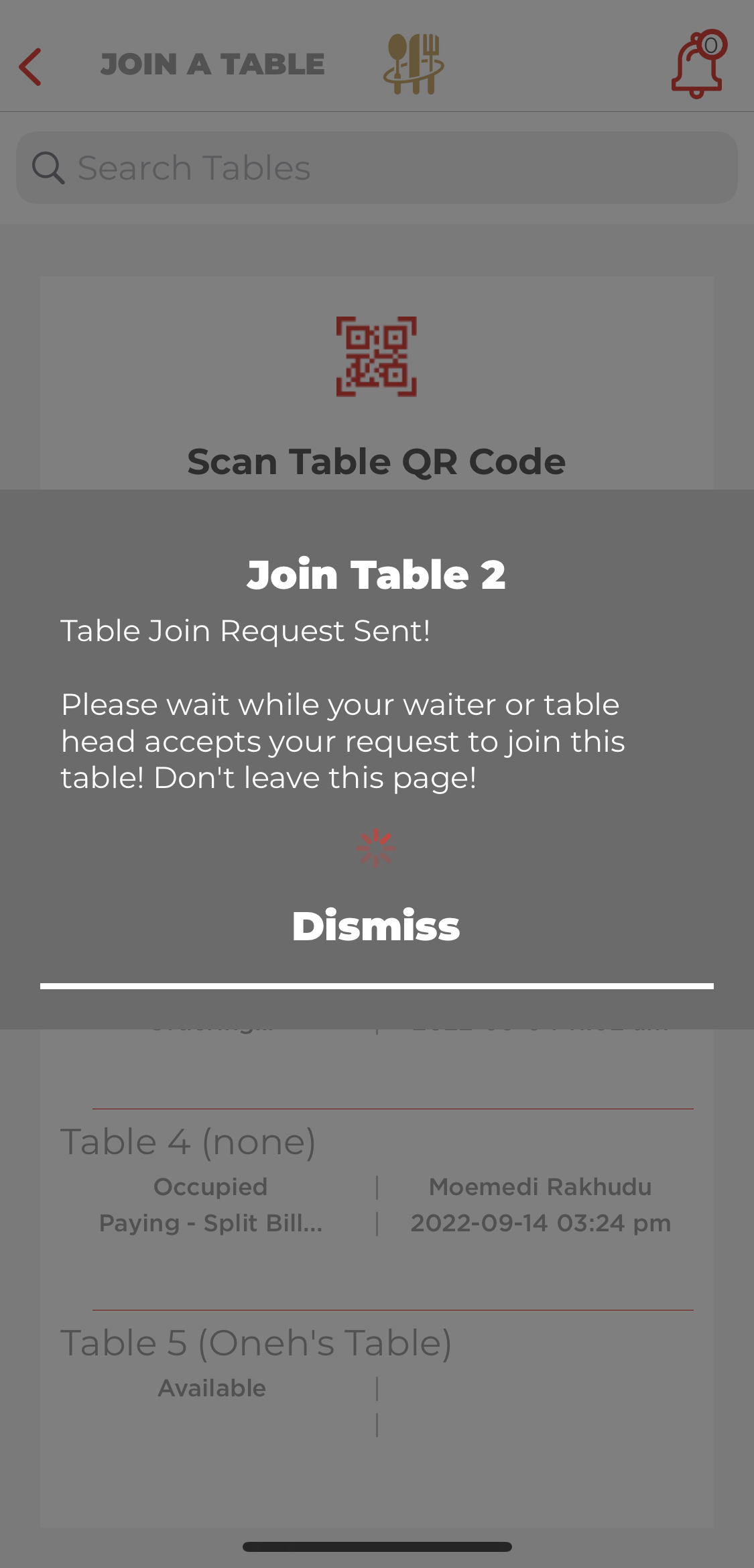
Multi-User Session
Comments