As soon as the user opens the Tablemate app,
the user will see the 3 dots on the upper left next to the home tab .

After clicking the 3 dots,a menu will appear and the user will look for the restaurant catalogue option and click on it.
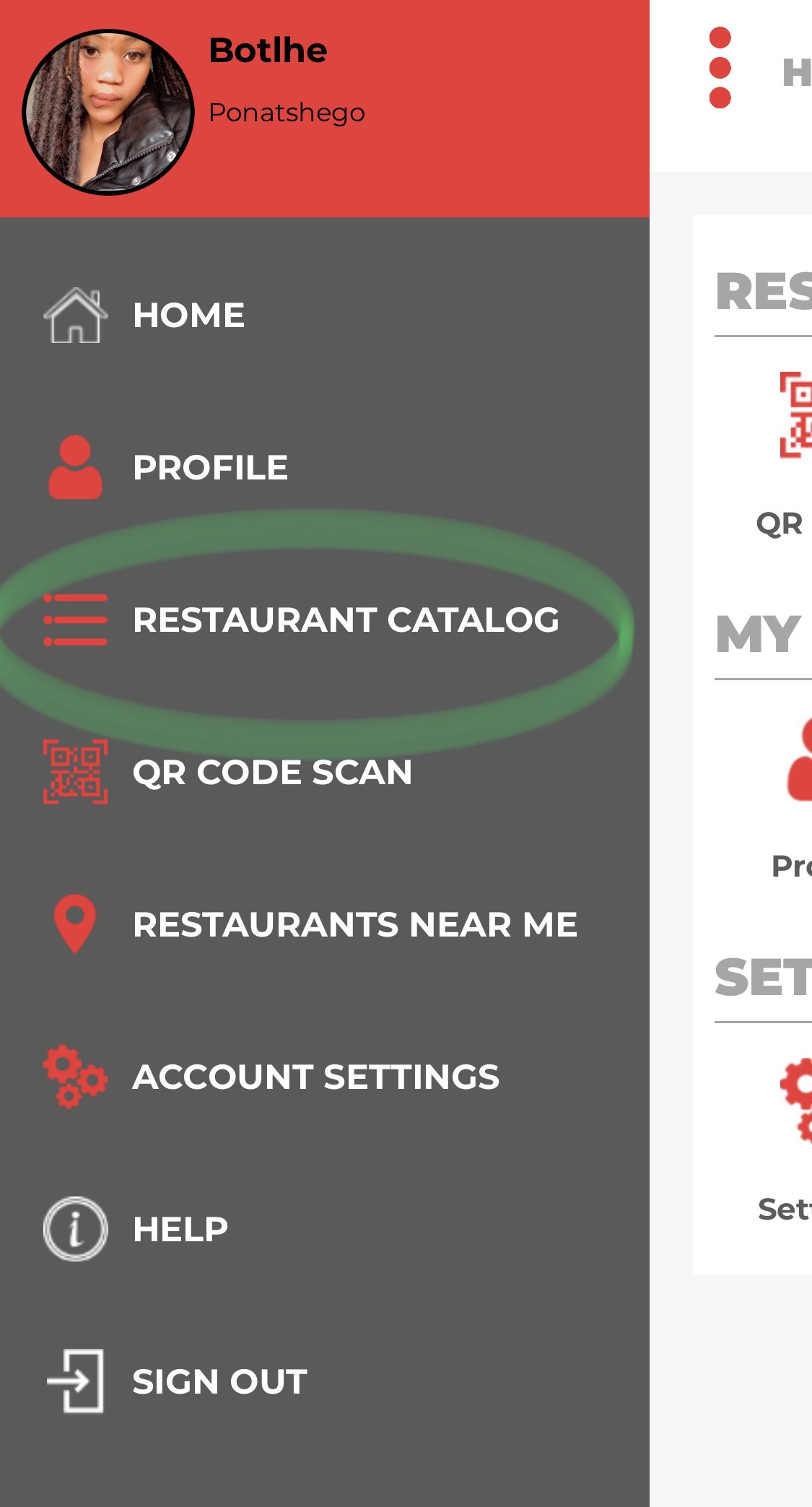
after clicking on the catalogue ,the user will proceed to place their order.
Comments