Update Profile
1.click on the settings tab .
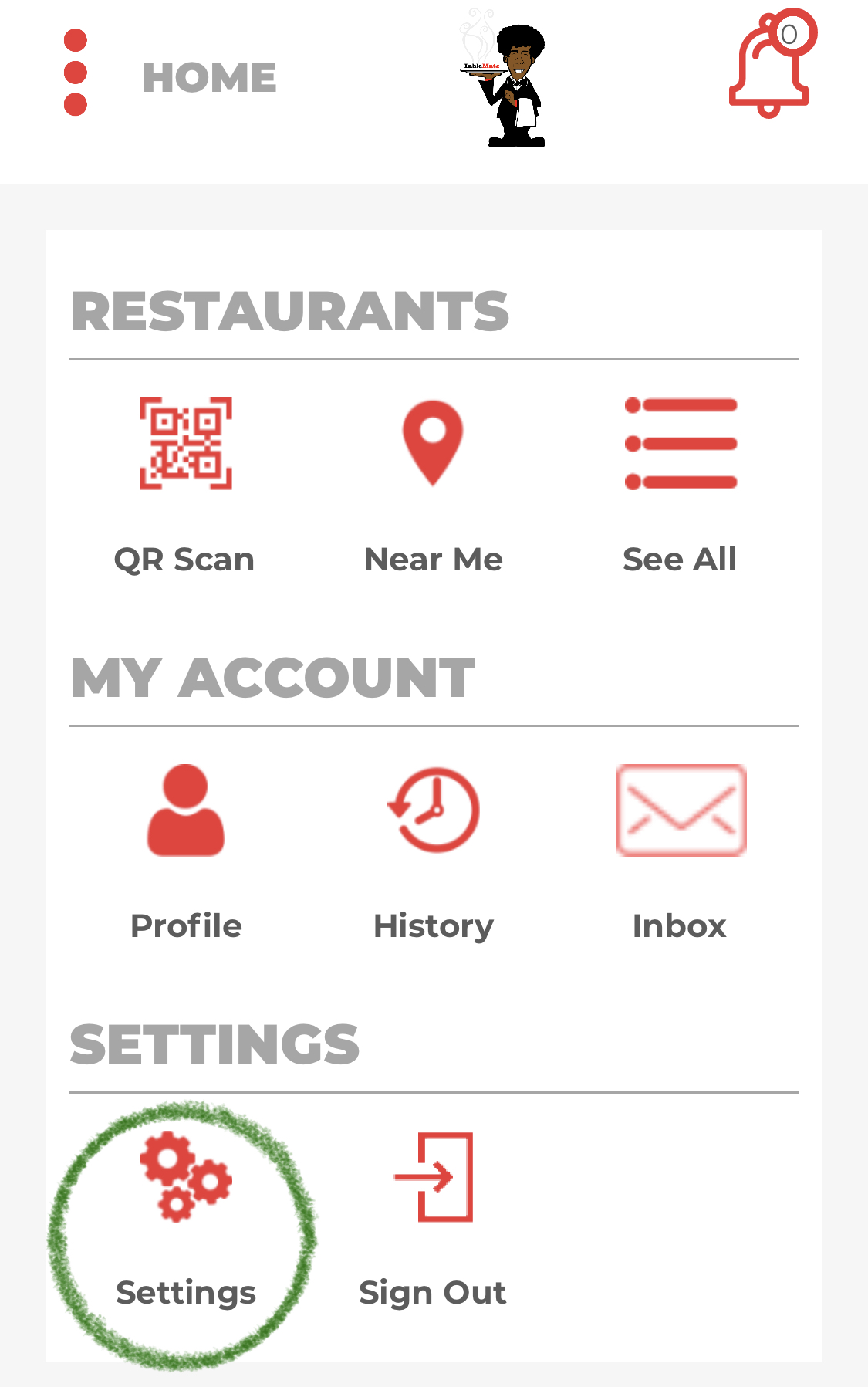
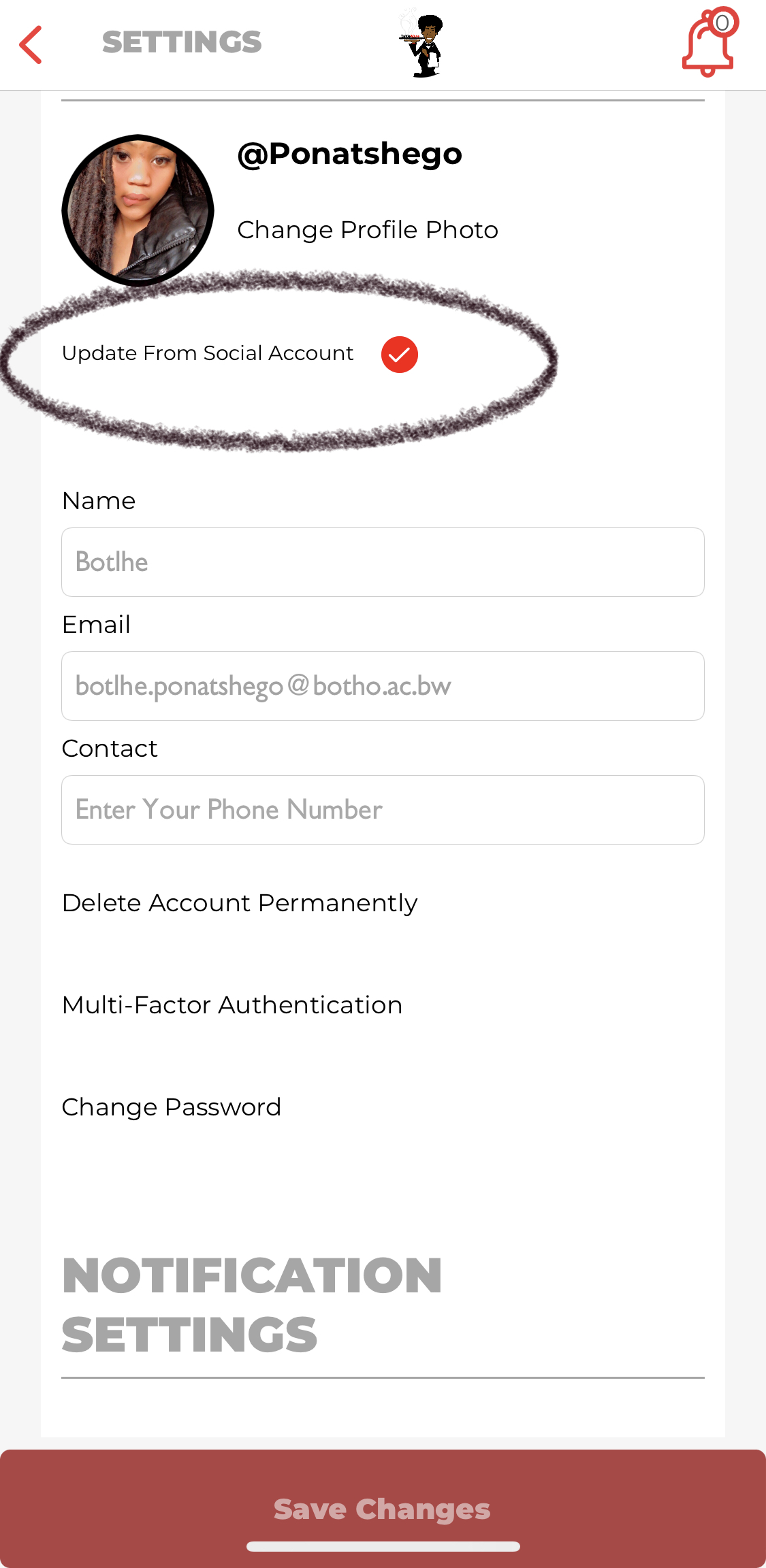
2.click on update from social account
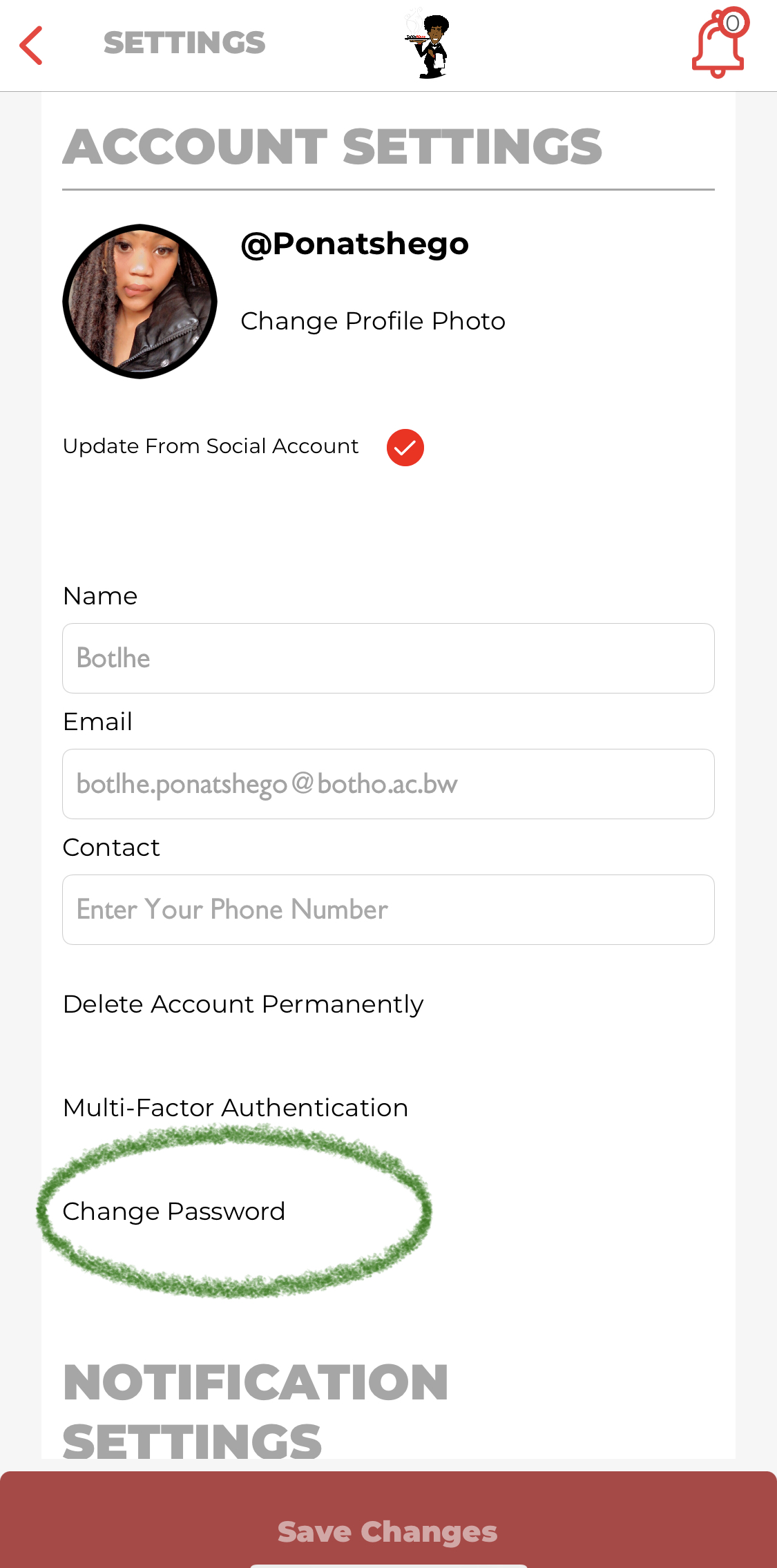
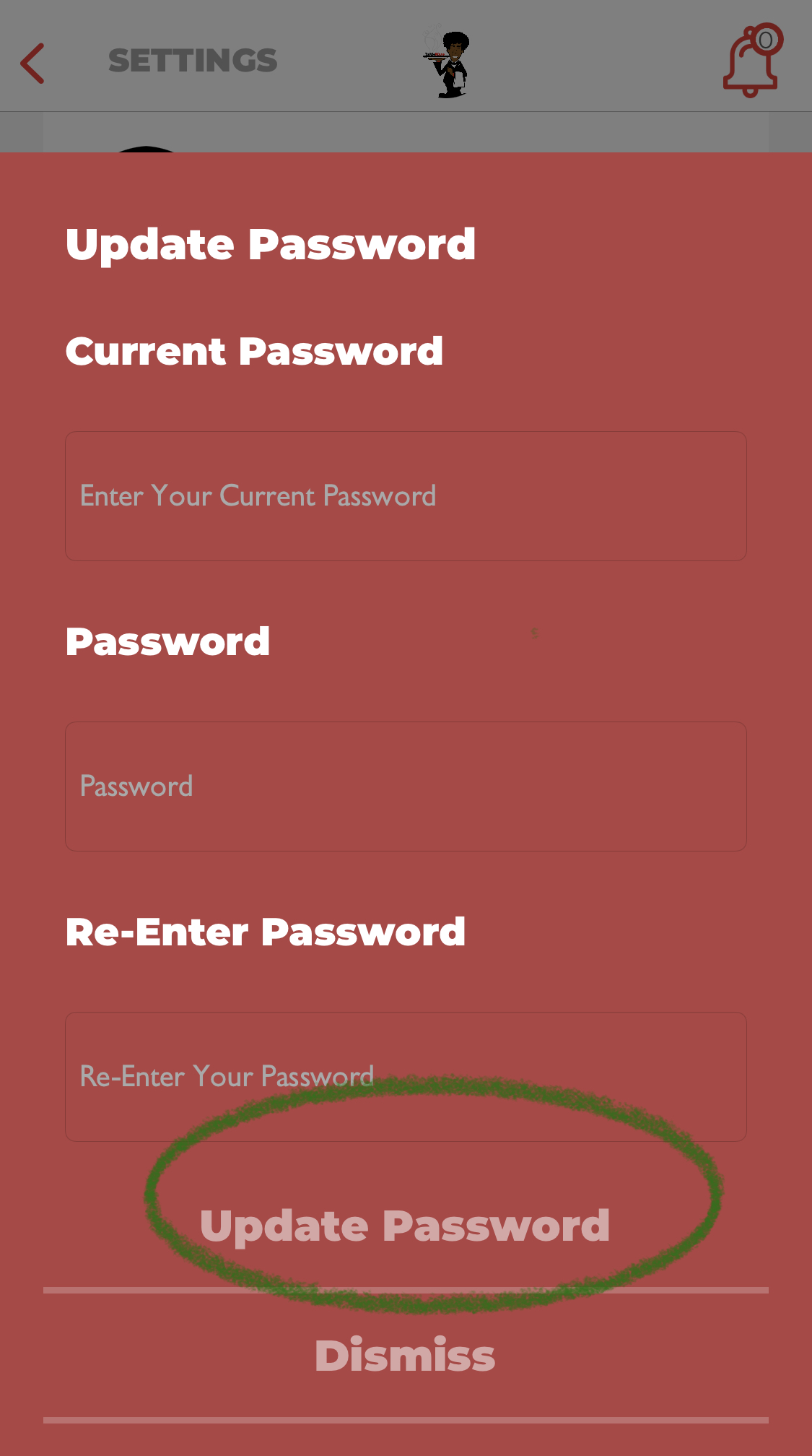
For a user to be able to change their password they would have to click on the settings tab on the dashboard. The settings will take them to the account settings where they will select change password and then it will direct to the next step where they would have to enter their current password and the new password when done they are to click update password.
change password
1.click on the settings tab .
2.under account settings click on change password.
3.enter the current password and then enter the new password you wish to change to and click on update password.
Comments