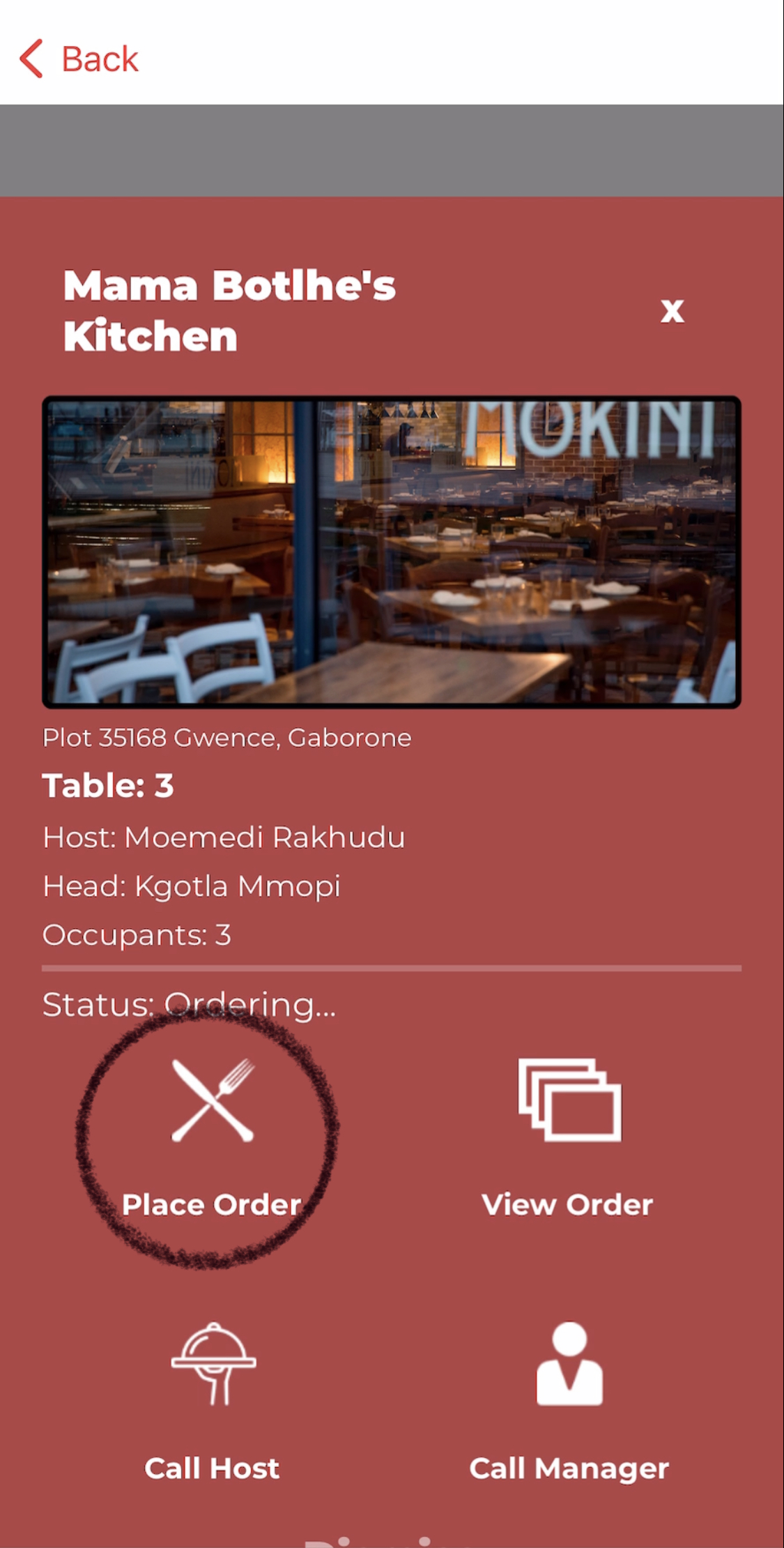
when a user has logged into the Tablemate app ,they are to click on the place order tab where they proceed to send a request to join a table which is to be approved by the host after that they click on the menu where they will place an order for their main meal, dessert and beverages when done they request the bill total and are given options of how they want to settle the bill.
click on place an order --> view menu -->order -->confirm order -->done ordering
How To Order From Menu
1.after selecting the name of the restaurant , click on place order button
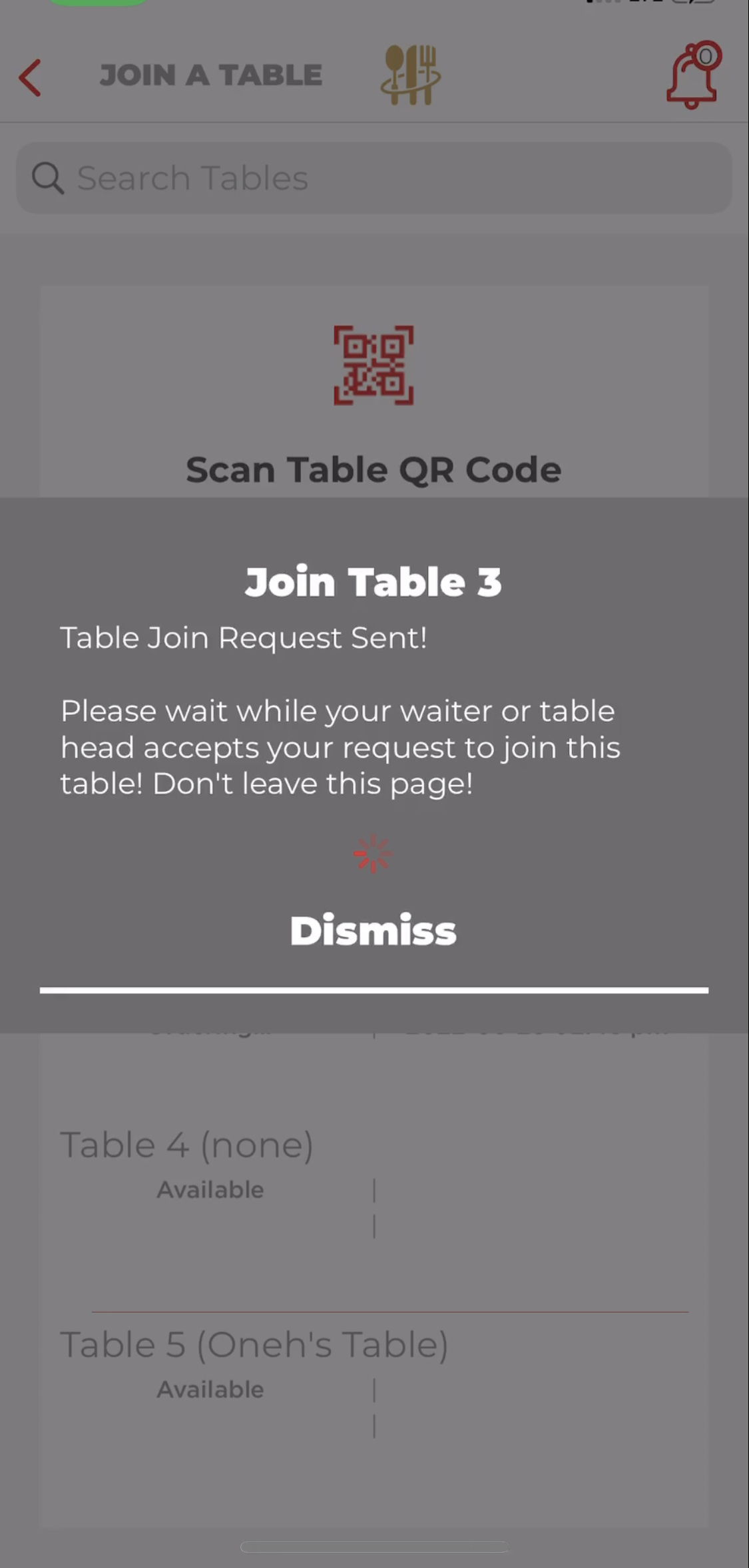
2.then send a request to join a table by selecting on an available table
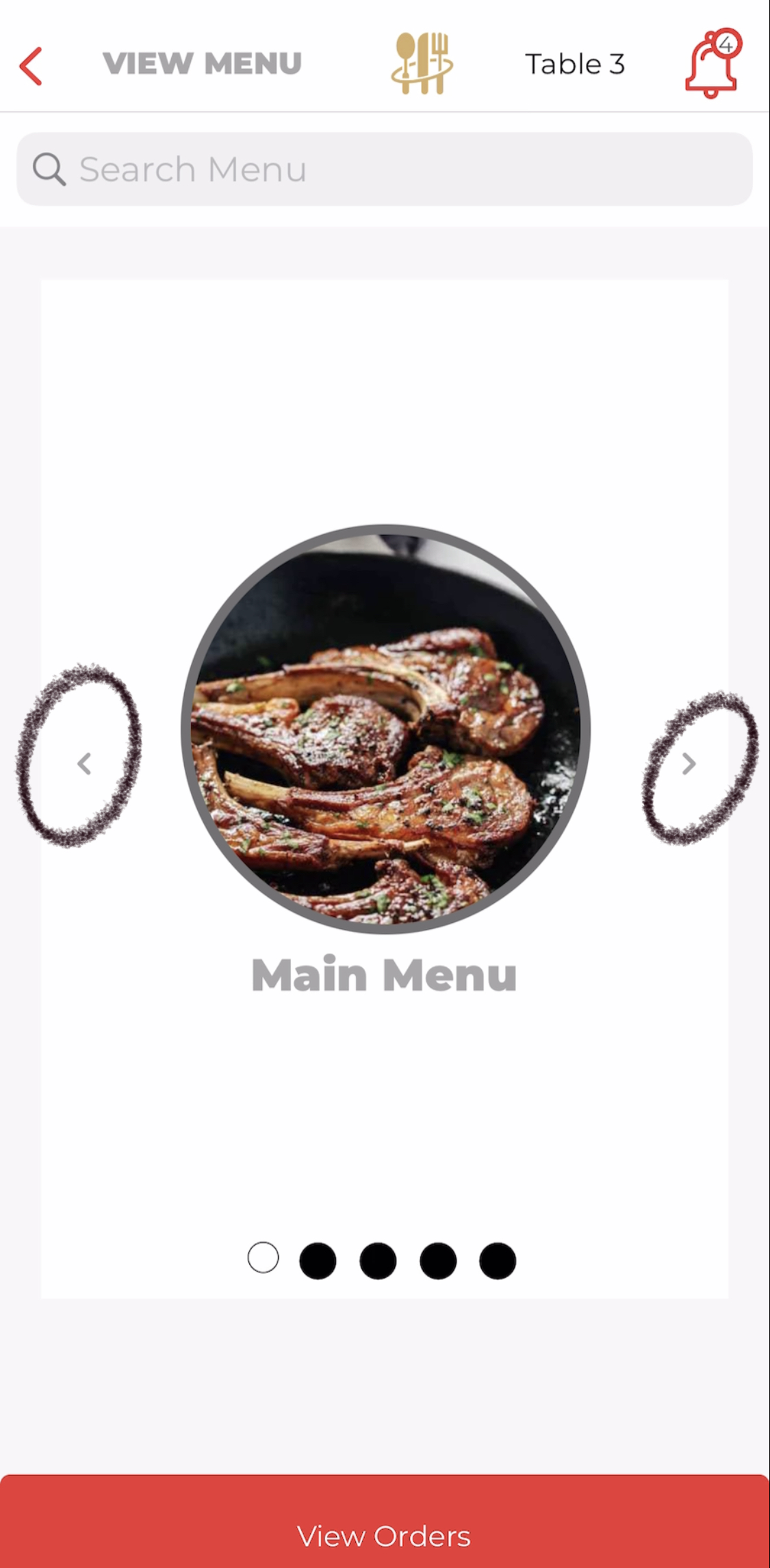
3.then a menu will appear ,use the side arrows to order desserts and beverages
5.click on view order after that confirm the orders

as you wait for the order to get ready a notification will sent when it is ready.
How To Update My Order
How To See Order Status
After confirming the orders pop up messages on the screen will appear updating the user on their order

How To See How Long My Order Is Taking/Took To Prepare
Comments