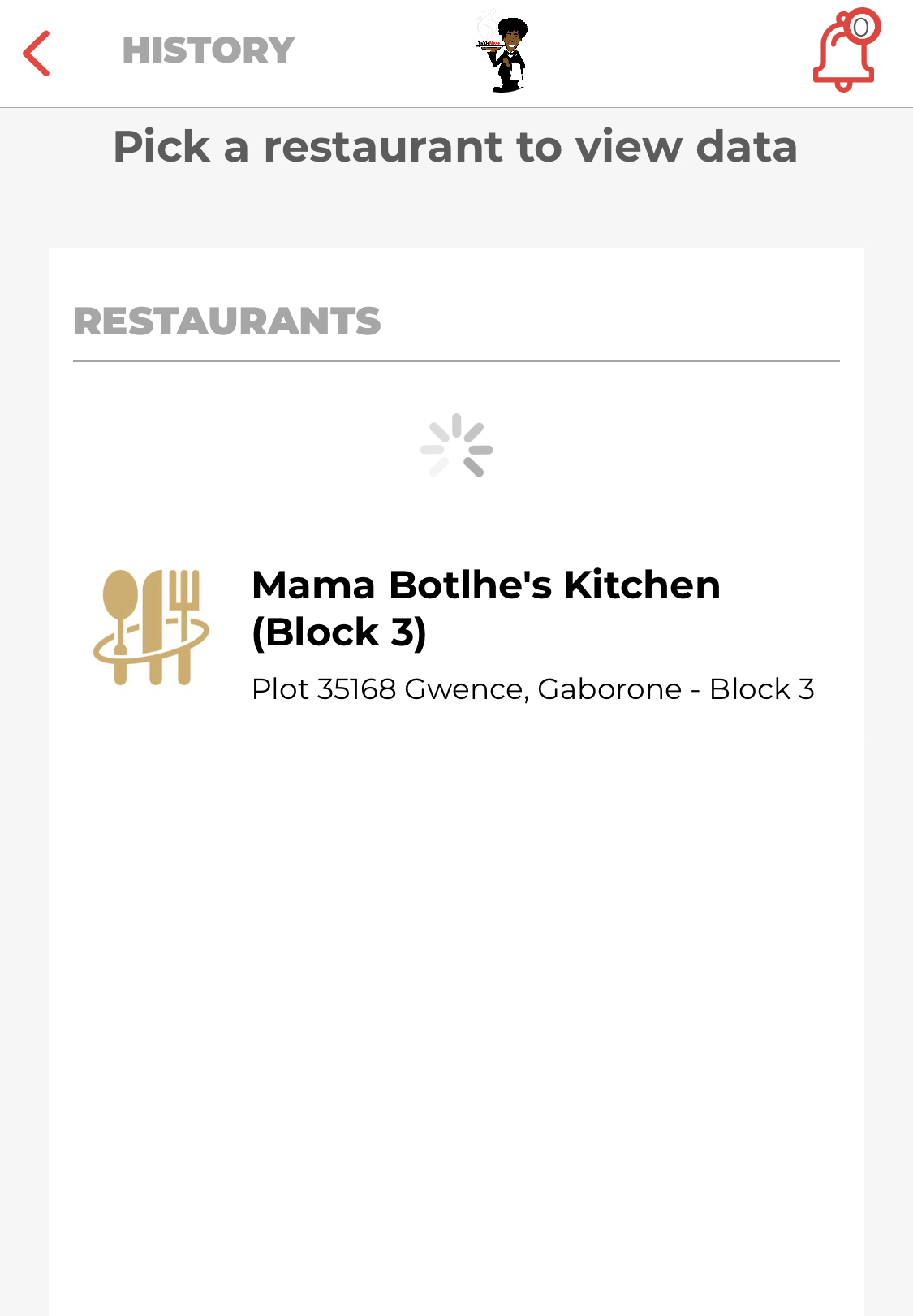
The tablemate app keeps track of all the restaurant a user has visited .When a user clicks on the history tab ,they are taken to the list of all the restaurants they visited before...then at that point the user chooses the restaurant which they want to view the history of .The history of a restaurant includes the date of when the user visited the company, the bill total, the table number and the name of the host on that particular day.
.View All Sessions
- open the app ->click on history under MY ACCOUNT .

2.pick a restaurant to view its history
After clicking on the restaurant all the dining history and ratings at that particular restaurant will show
· View Session
Comments