Registering for Table Mate
To register for Table Mate, you can either create a native account using your email/username or sign up using your social media accounts such as Google, Facebook, or Apple, depending on your preference.
Native Account Registration (Email / Username)
-
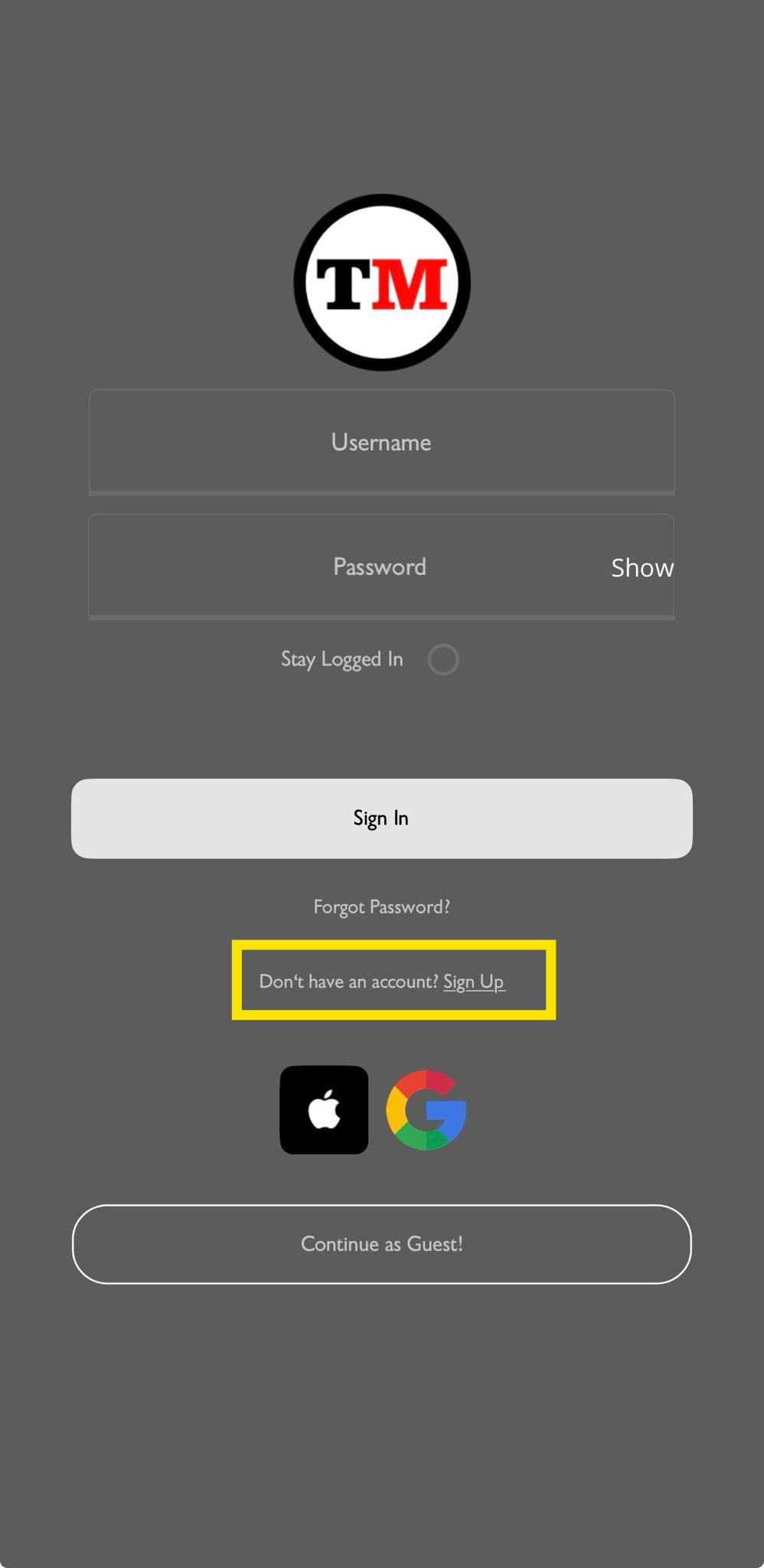
Click the "Sign Up" button on the login screen.
-
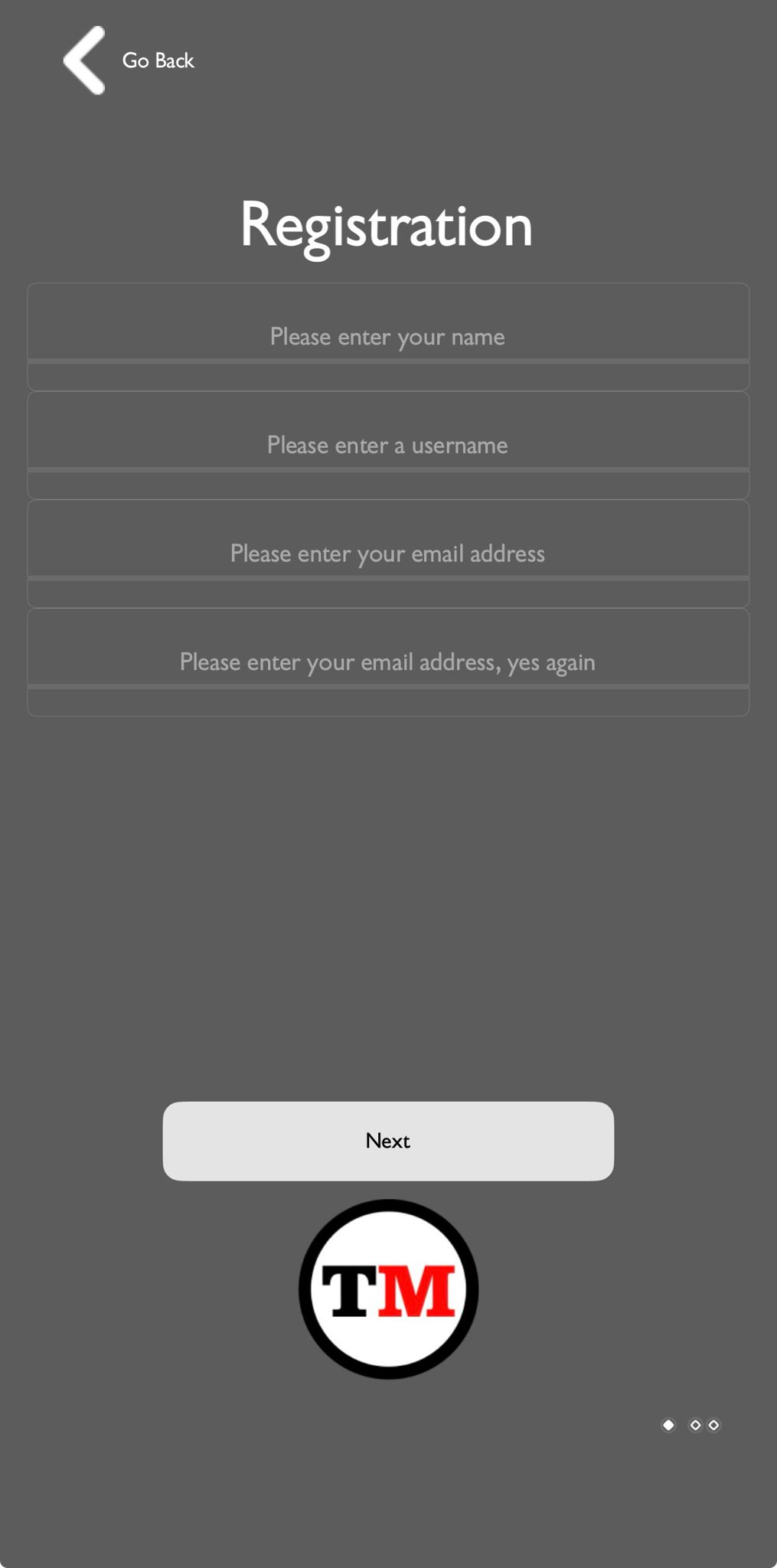
Follow the registration steps by entering your credentials, then click "Next" to proceed to Step 2.
-
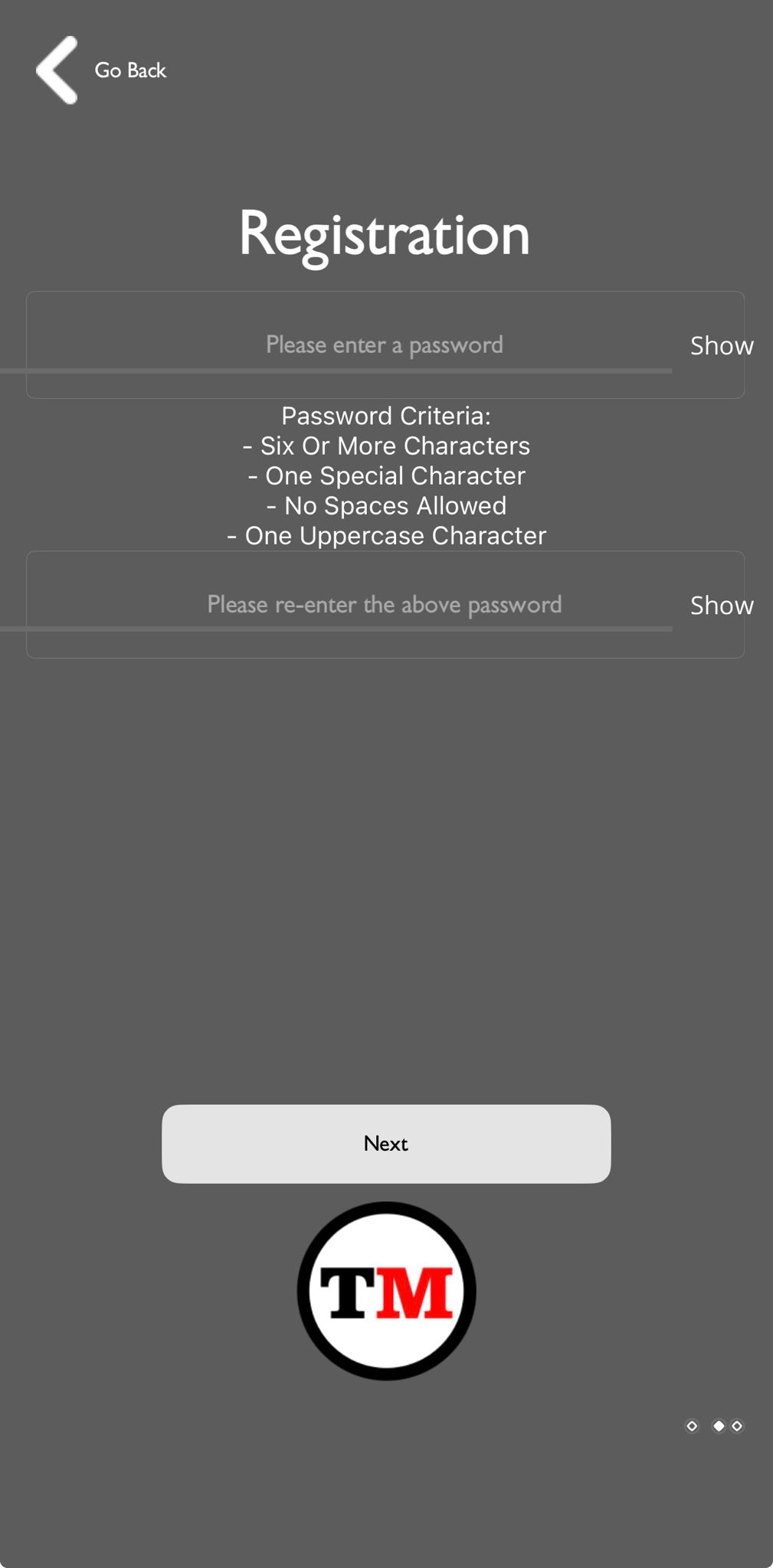
Enter your password.
-
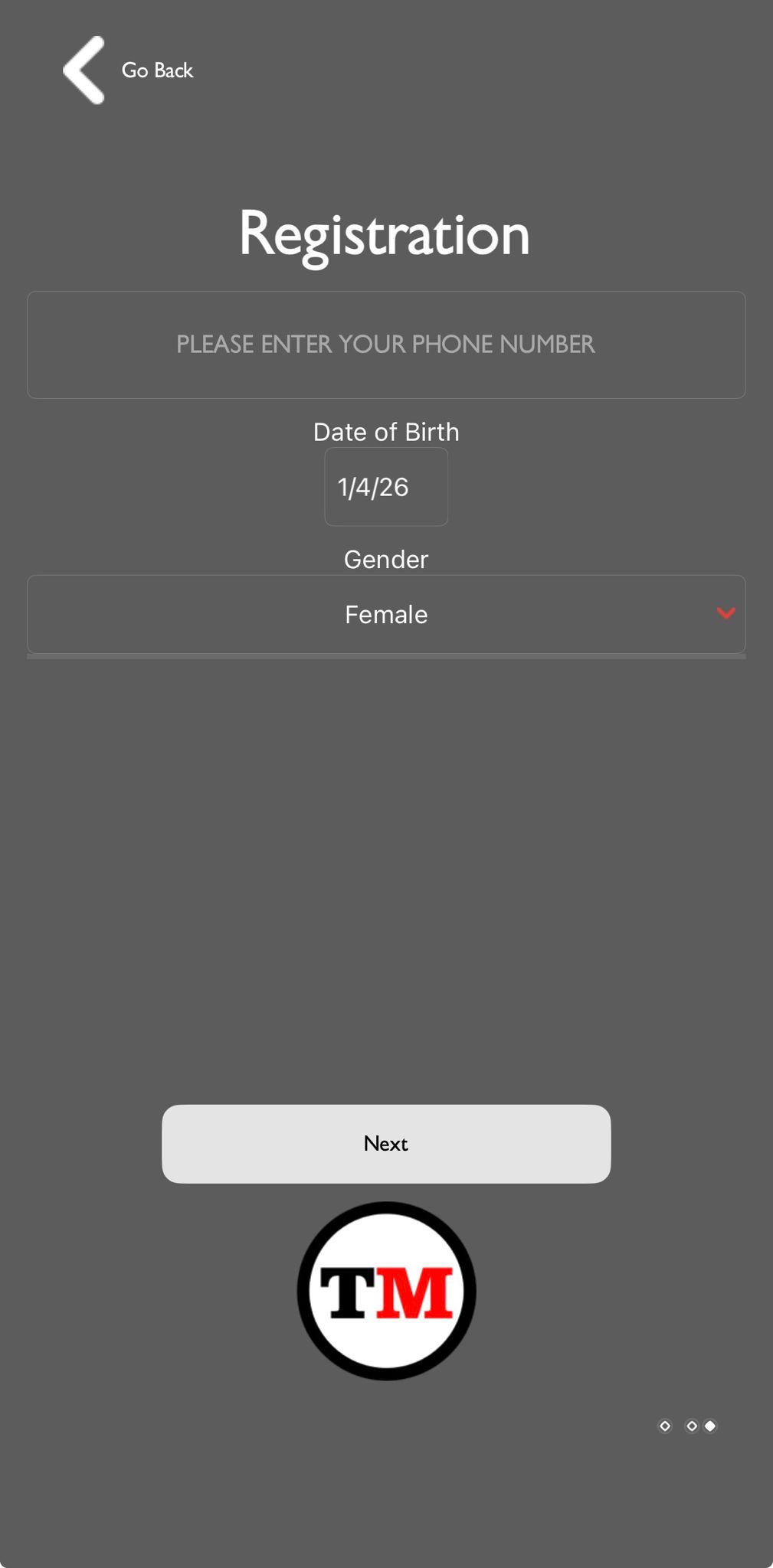
Enter your phone number and click "Next".
-
Confirm your details by clicking the "Yes" button.
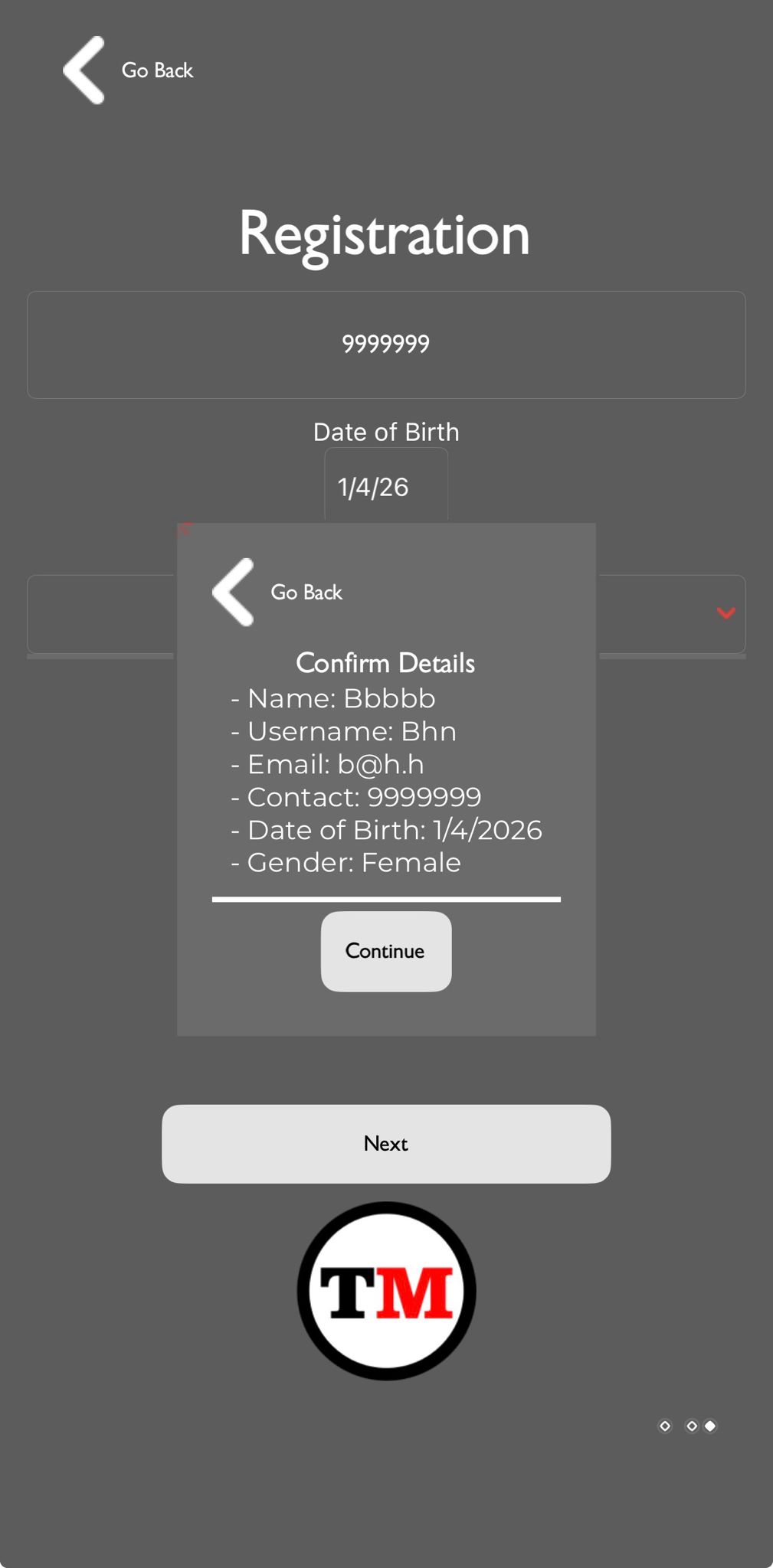
-
Review the Terms and Conditions, then click "I Agree" to complete registration.
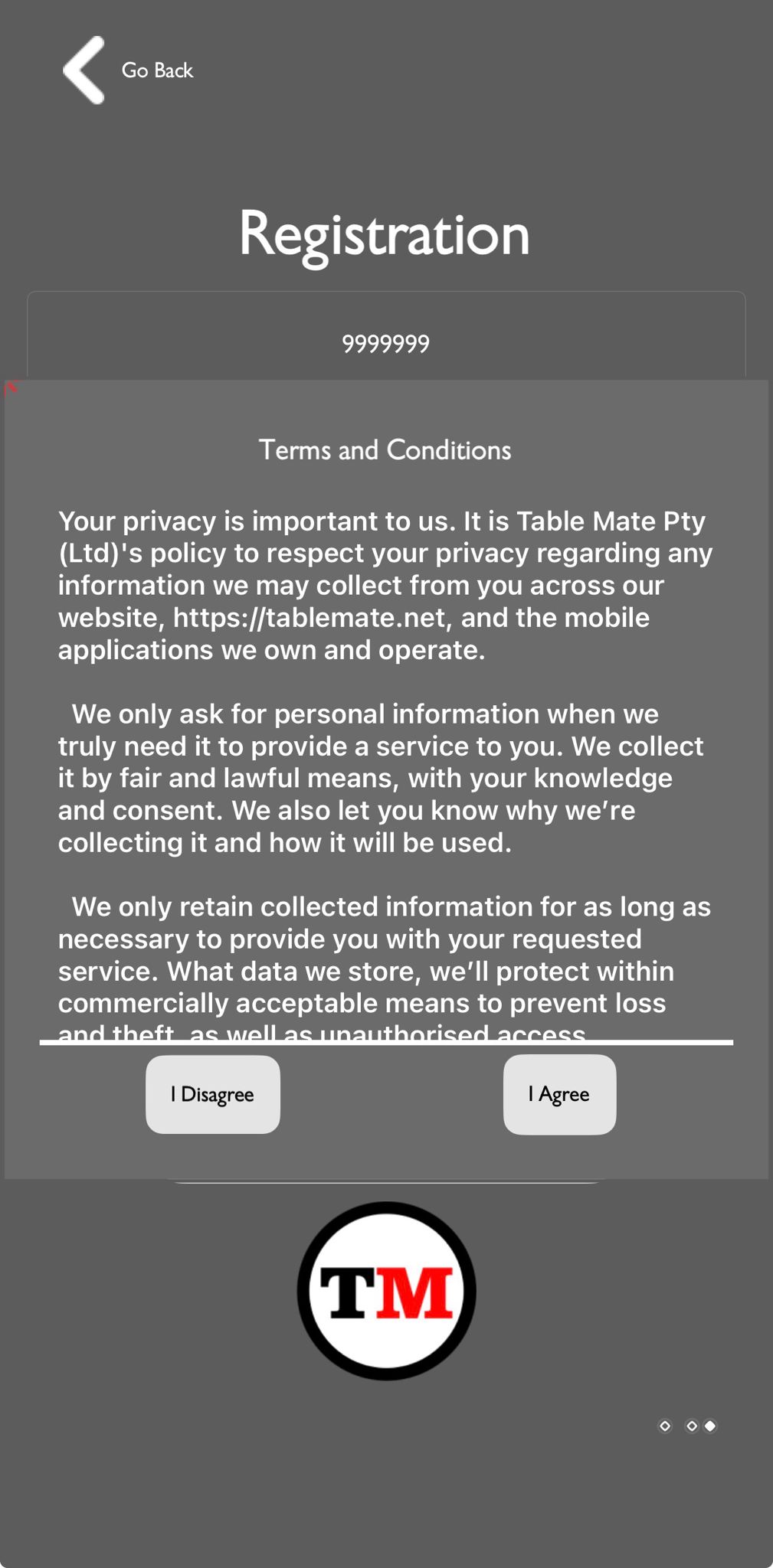
Social Media Registration
-
Click the "Sign Up" button on the login screen.
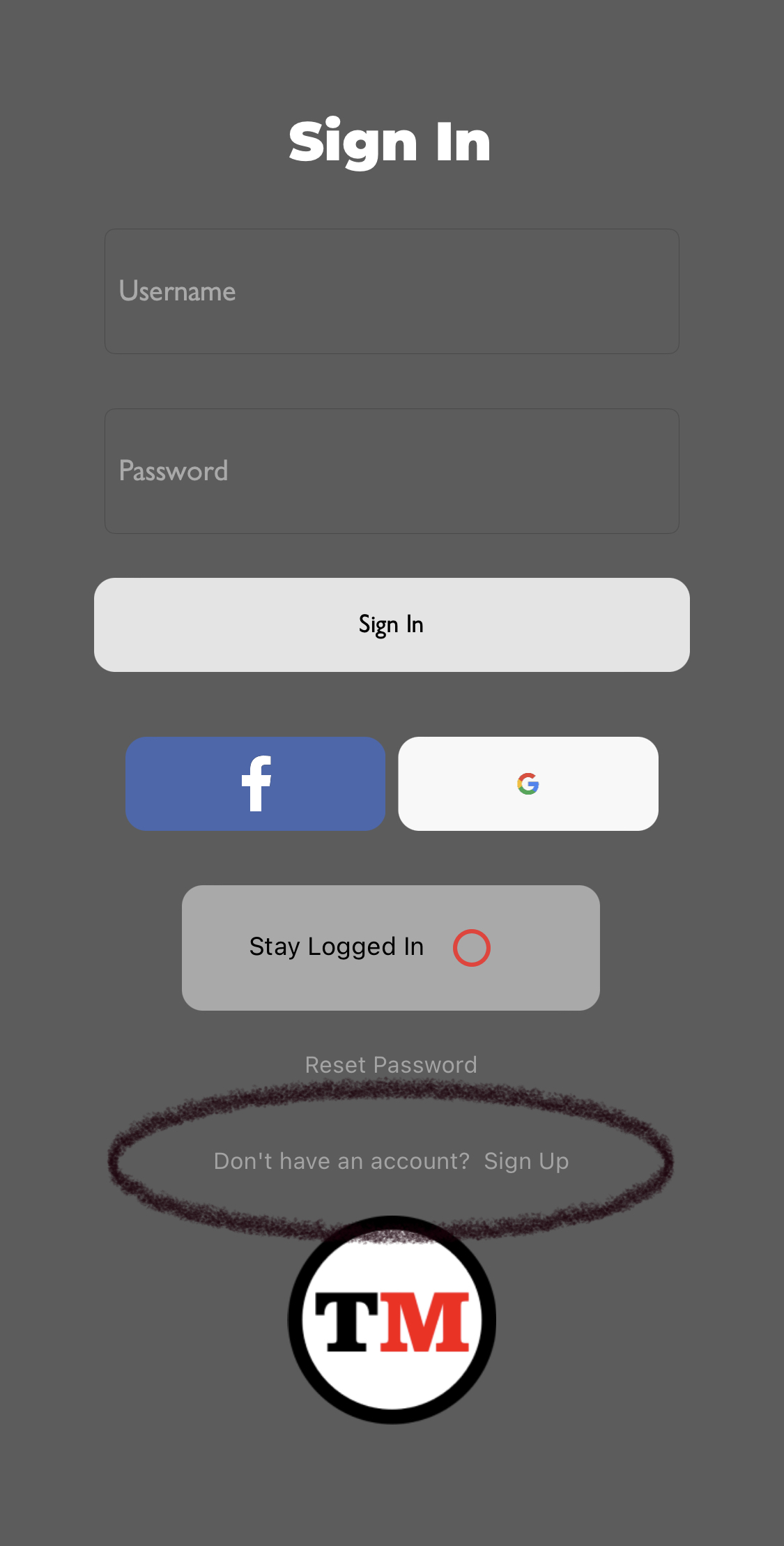
-
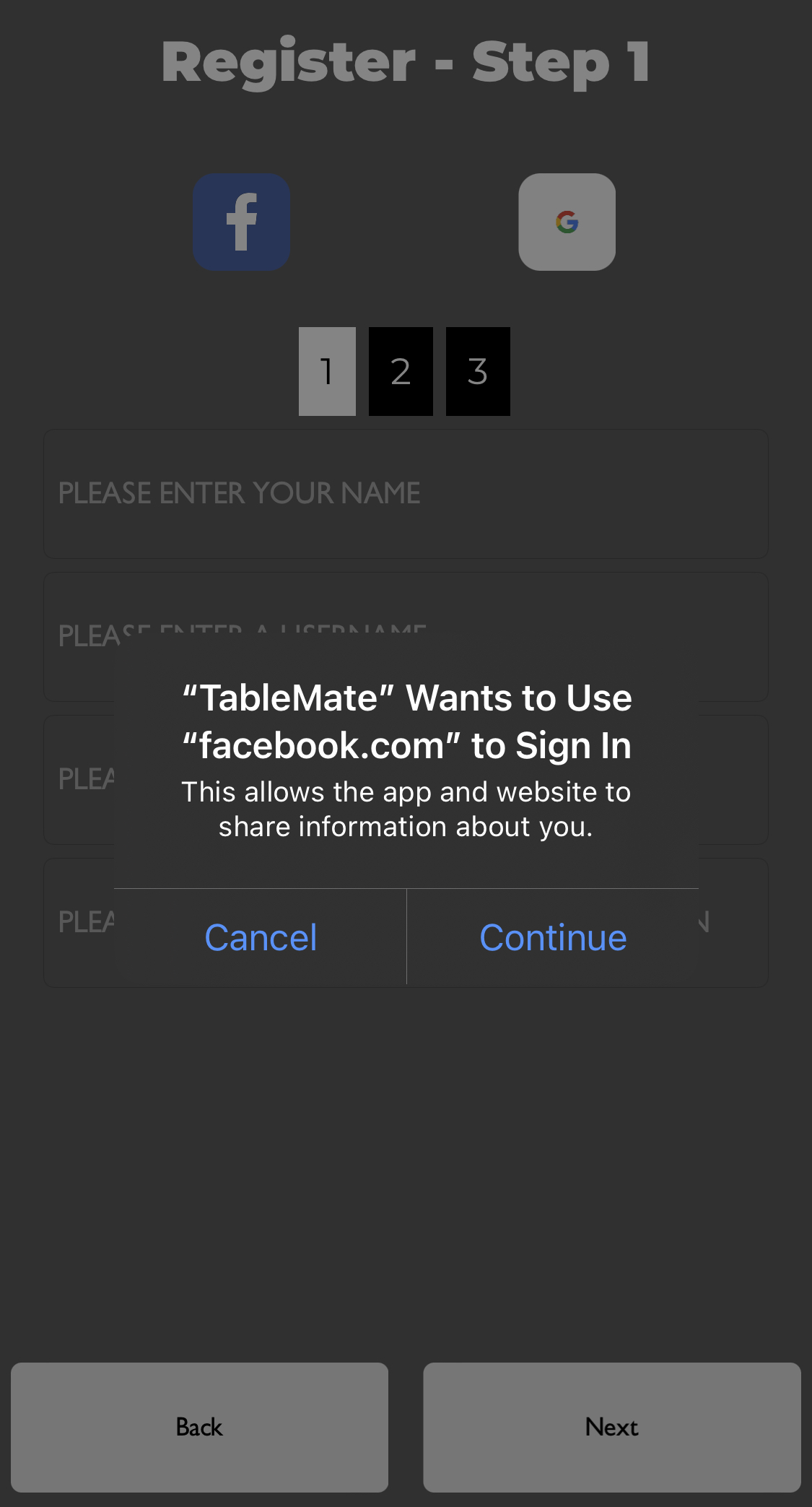
On the registration page, click the "F" (Facebook) button.
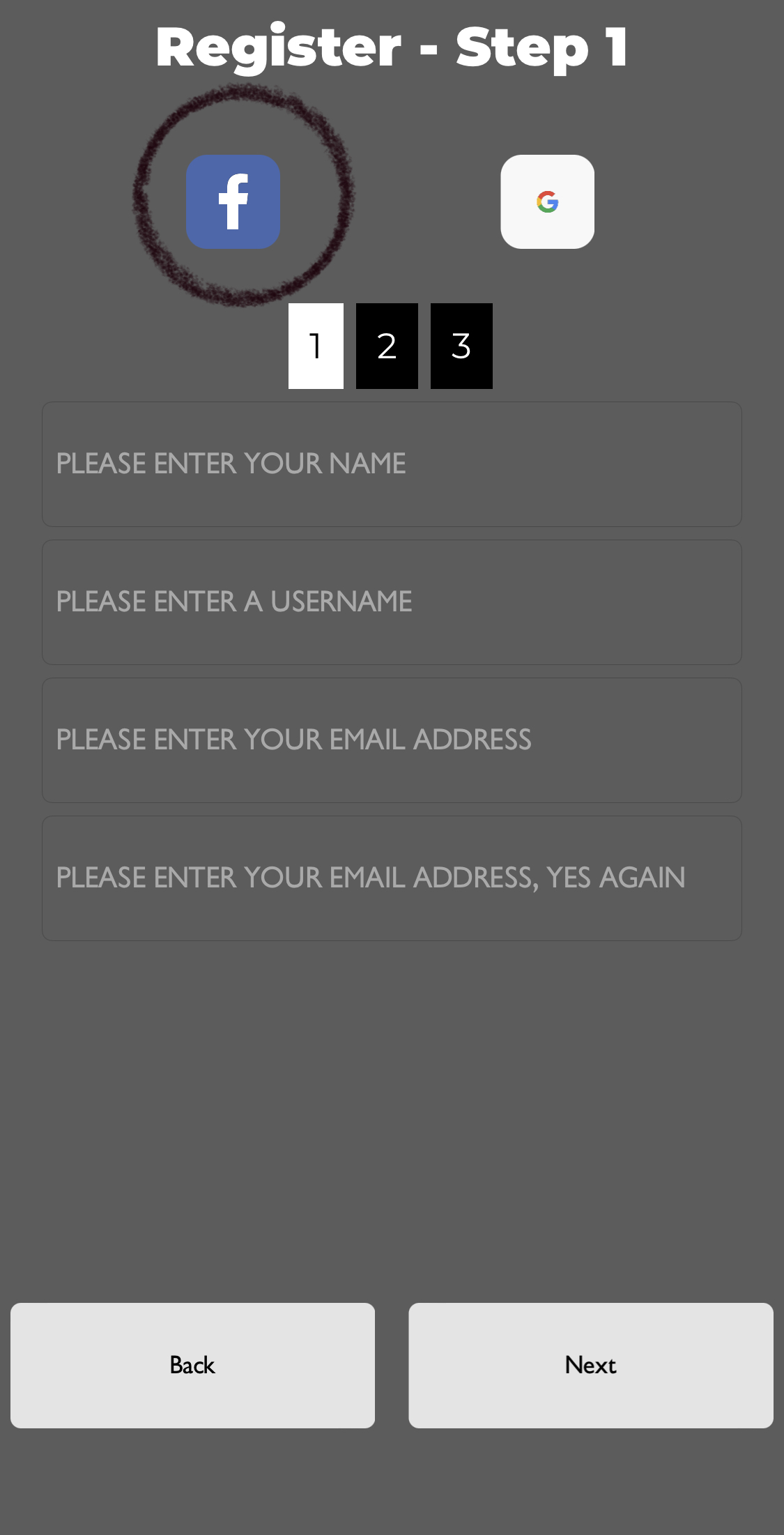
-
A Facebook authorization request from Table Mate will appear. Click "Continue" to proceed.
-
Click the "Sign Up" button on the login screen.

-
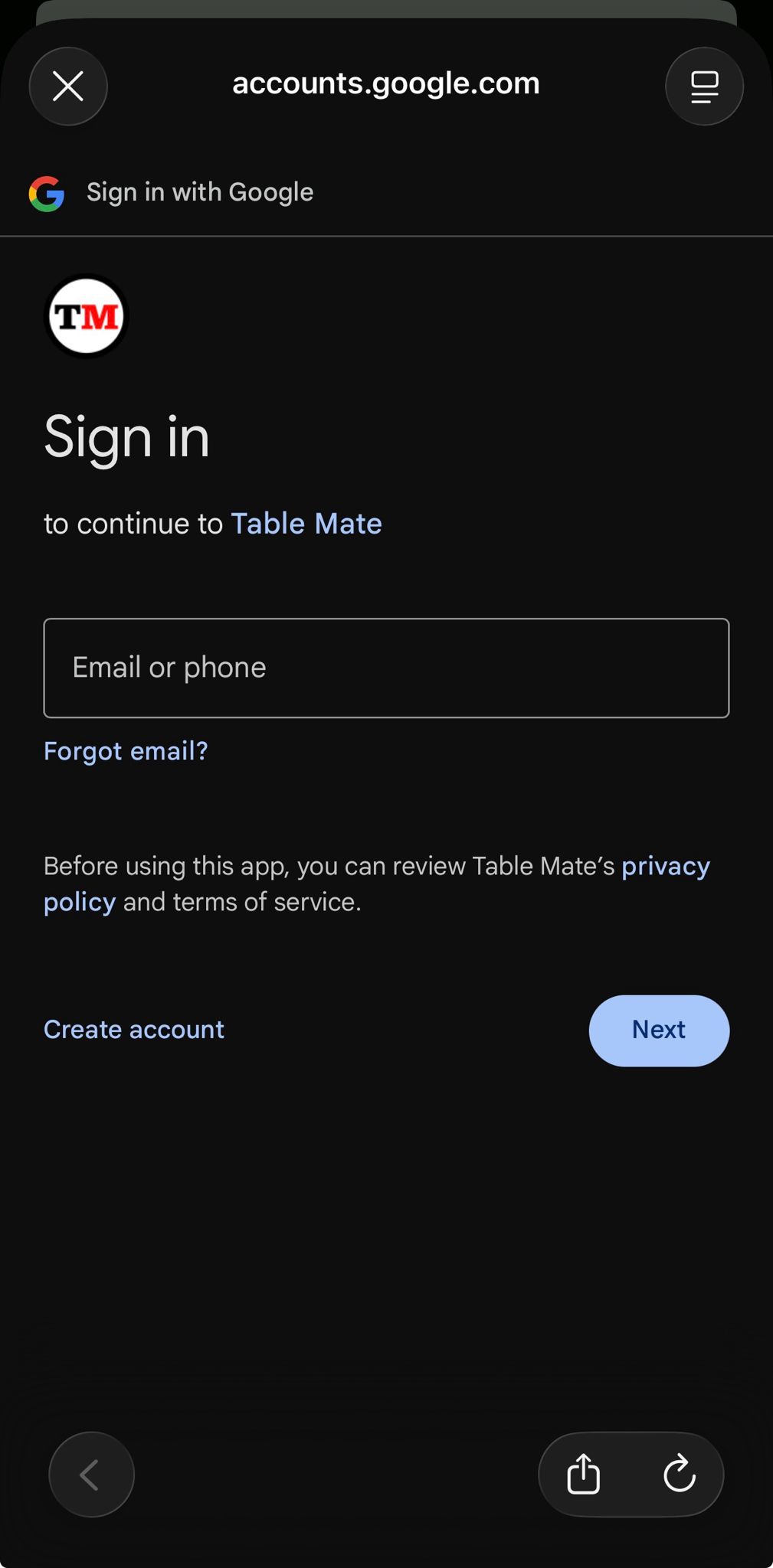
On the registration page, click the "G" (Google) button.
-
Follow the on-screen instructions to complete registration using your Google account.
Comments