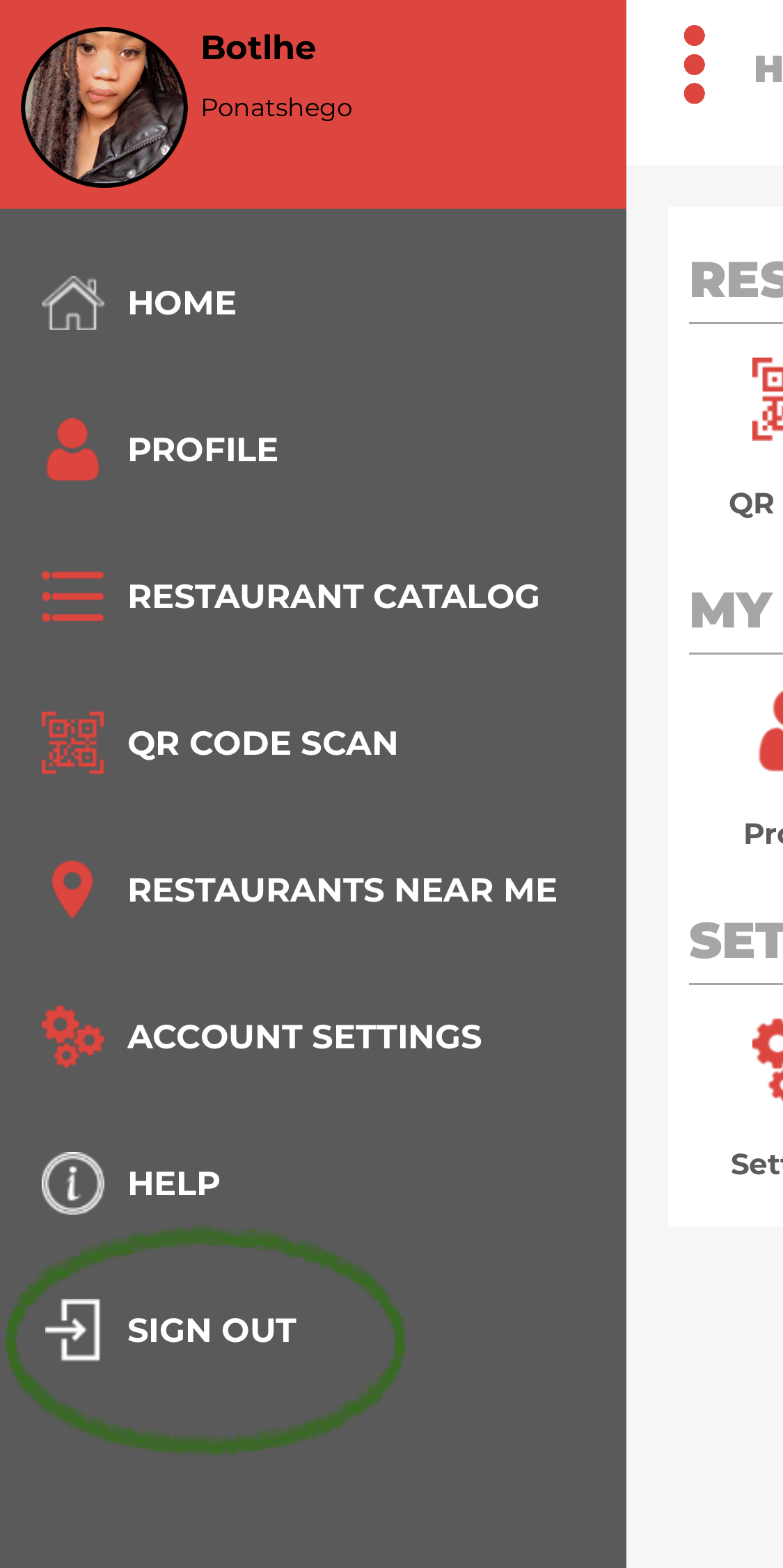
when a user is ready to exit the app ,they would have to click on the 3 dots which are on the upper left corner of the dashboard then a list will appear of which at the bottom of the list there is a sign out option which they would click and they would automatically be logged out.
Log out
1.click on the 3 dots which are on the upper left of the dashboard

2.look for the sign out option which is at the bottom of the list and click on it
Comments