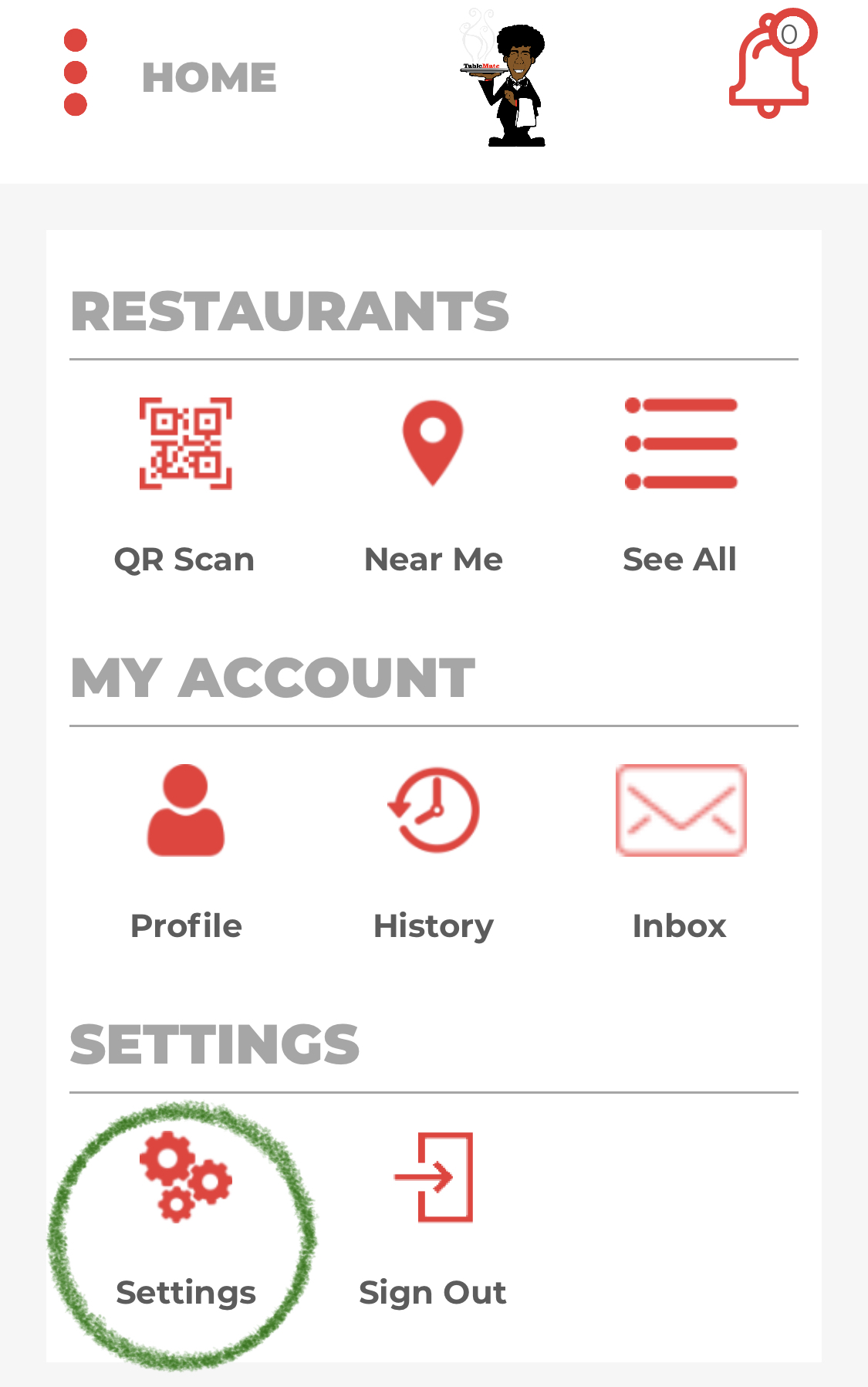
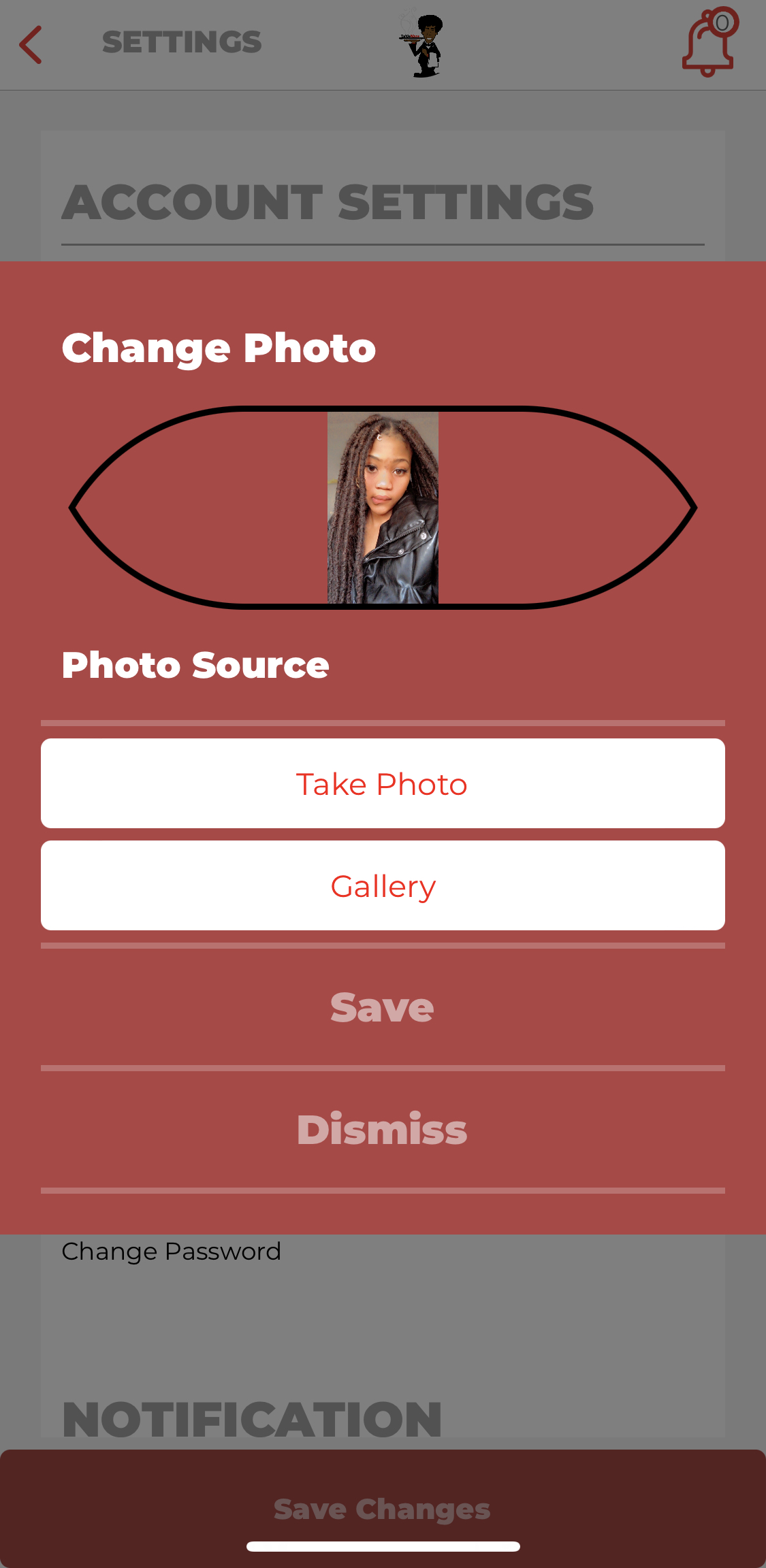
if a user would like to change their current profile picture of the app they would go to Account settings and click on change profile picture just beside the current profile then they would be provided with options of whether they want to choose a photo from the gallery or take one right away and save the picture on their profile.
how to change profile photo
1.go to settings
2.under Account settings click on change profile photo besides the current profile photo

3.then you will automatically be directed to the page where you choose where to get the picture either from the gallery or take one at the moment after that you click save .
Comments