To change your Password, navigate to Home --> Account Settings.
Scroll down to and tap the Password button to open the Update Password window.
How to Change Password
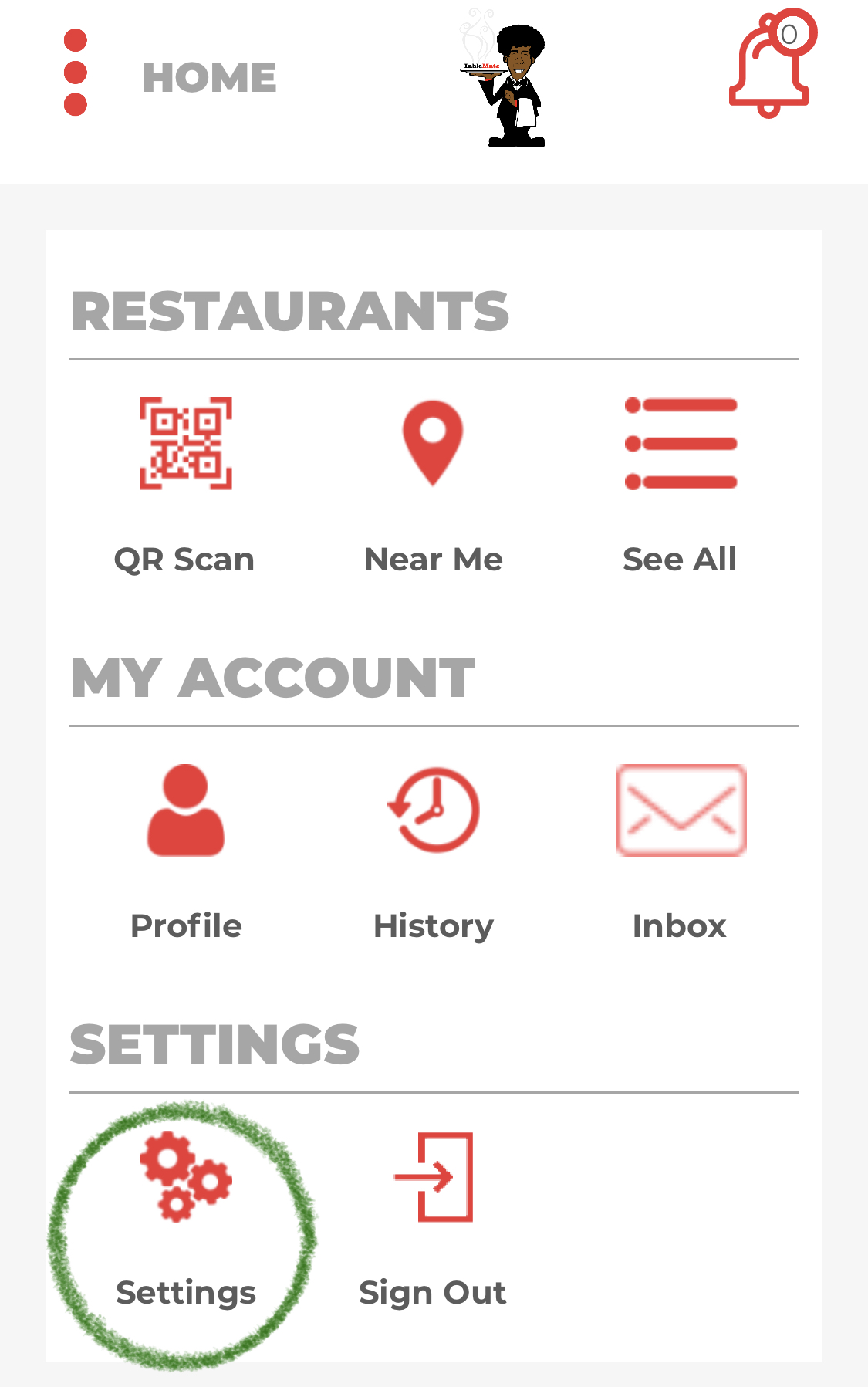
1.Click on the Settings icon on your Home Page.
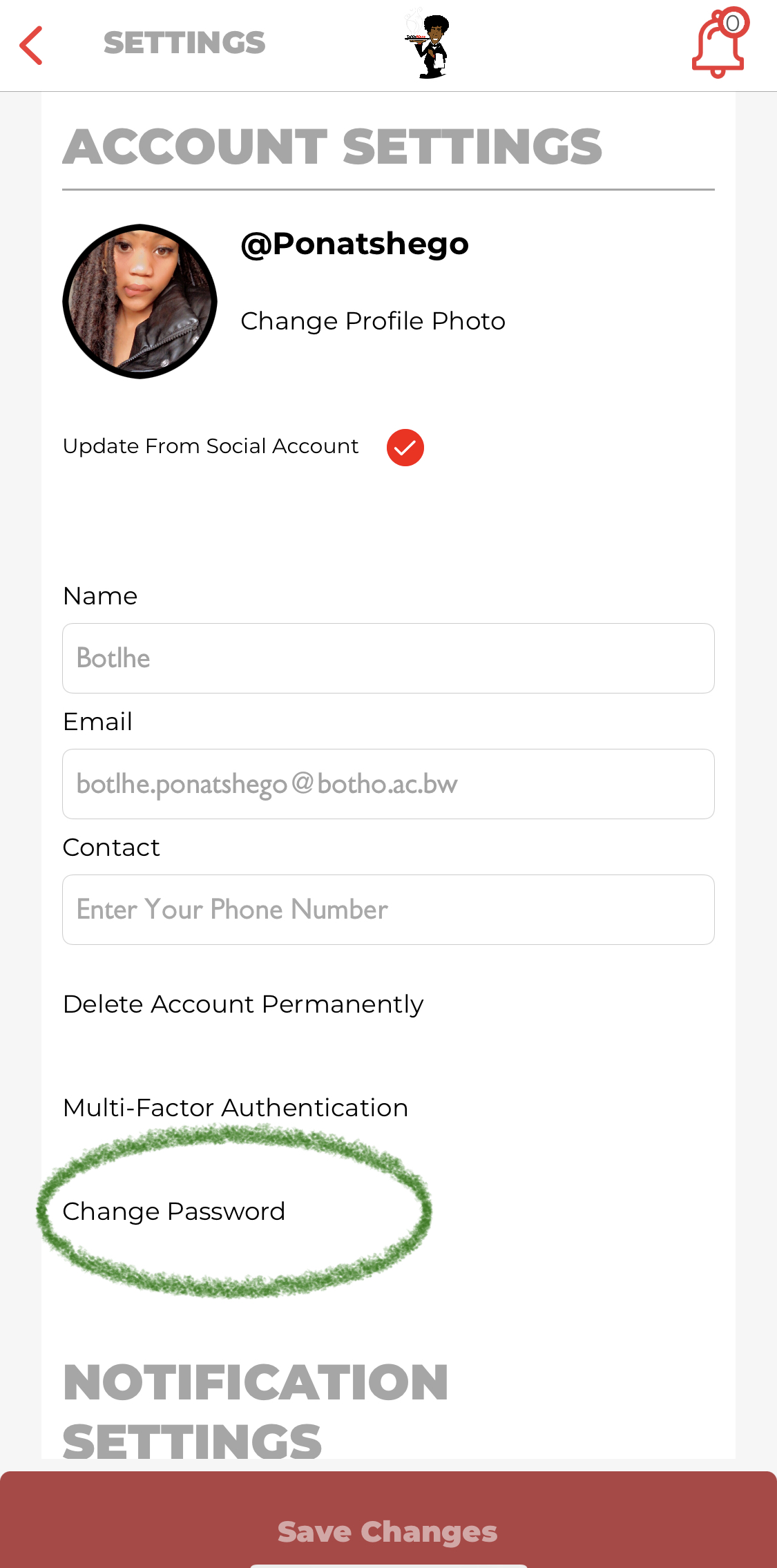
2.Once in Account Settings, click on the Change Password button.
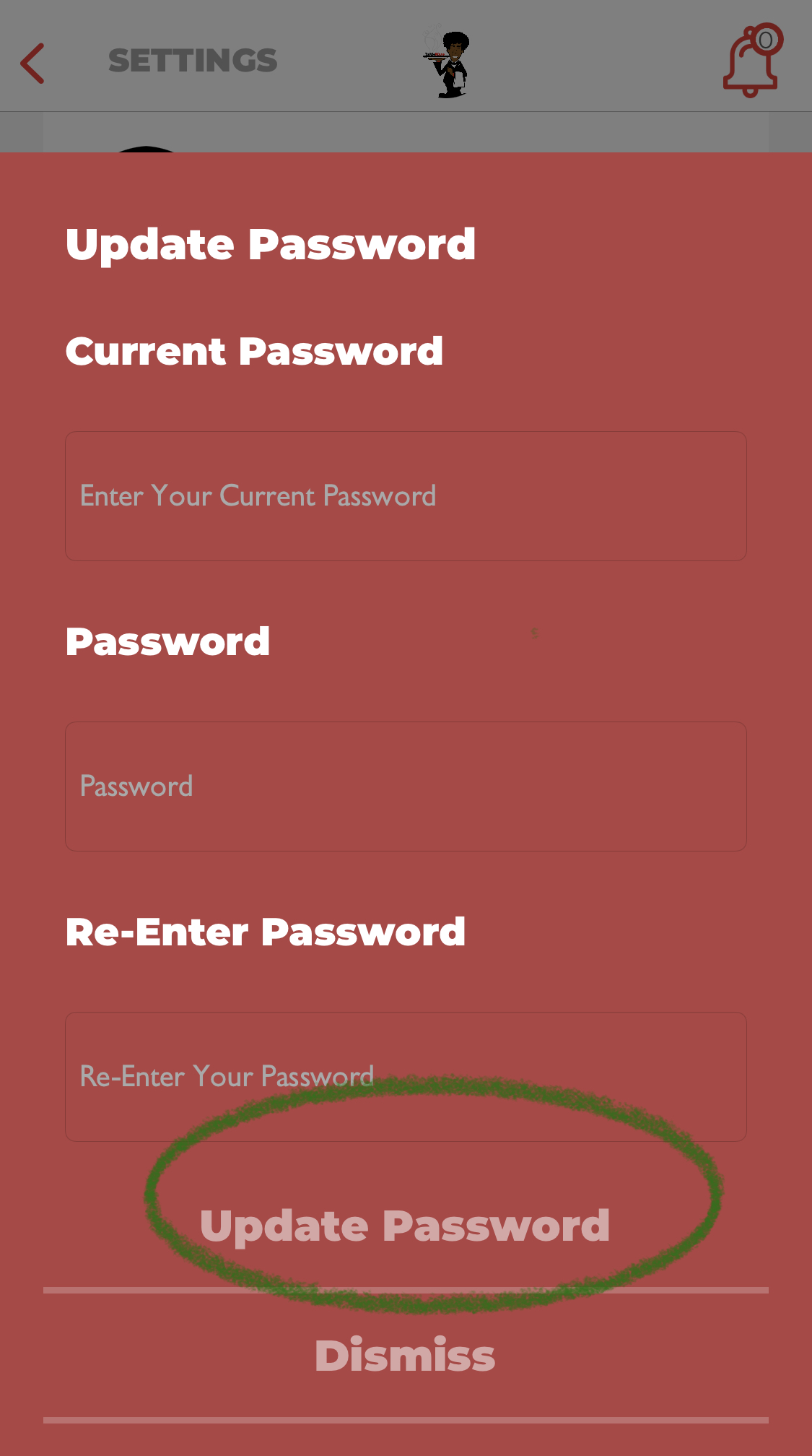
3.Enter your current password for security verification.
3.1 Enter your new password you wish to change to and click on update password.
For any questions/concerns please feel free to contact Table Mate Support - Contact Us
Comments